QR Code Inventory for AV Rental Houses: A Practical 2026 Guide
Per-item QR tracking is the single biggest operational upgrade an event and AV rental house can make. Here's how to do it right.
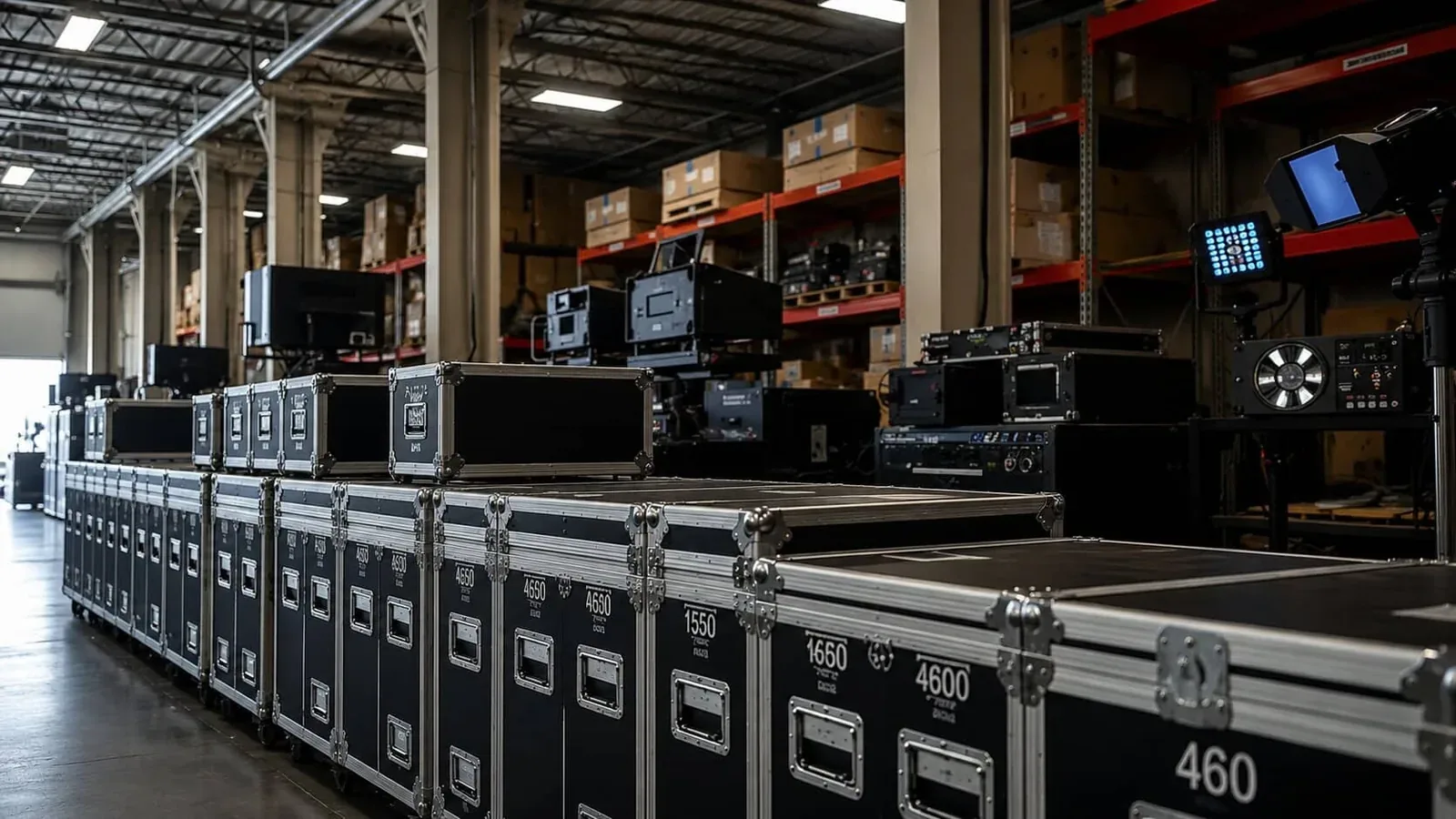
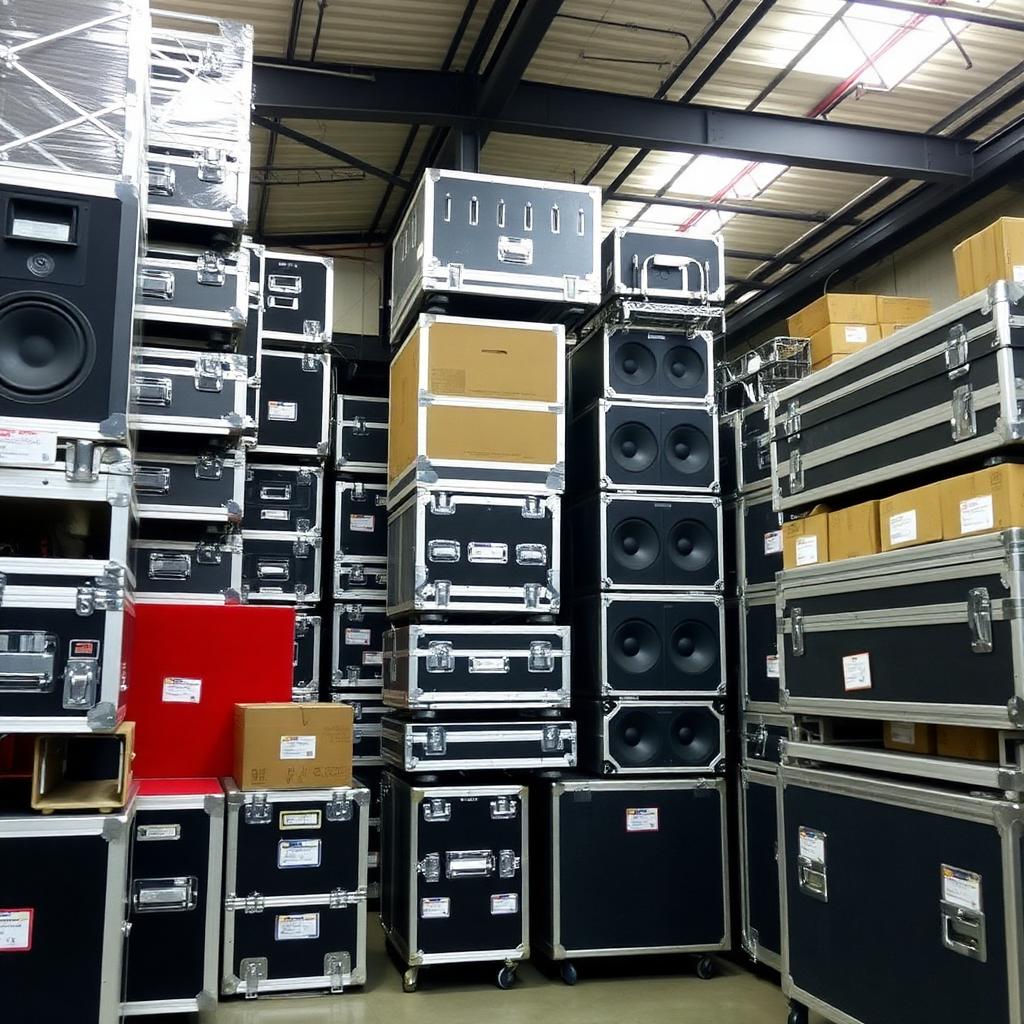
Walk into the warehouse of any AV rental house and you'll see the same scene: hundreds of identical-looking road cases, each with a different mix of gear inside, each headed somewhere different next weekend. The operations team has held it together for years on muscle memory, color-coded tape, and a heroic amount of texting. It mostly works. Until the night a $30,000 console ships to the wrong city.
QR codes on every case and every major piece are the simplest, cheapest fix. They've been around forever. What's changed is that the mobile and inventory software around them is finally good enough that putting them on the gear is a one-day project rather than a three-month software rollout.
What you tag, and what you don't
Every rental house we've worked with starts with the question of how granular to go. Tag the case? Tag every individual mic? Tag the cables? The honest answer is to tag everything you would care about losing, and accept that the long tail of XLR cables is going to be a list, not individually tracked items.
A reasonable starting point:
- Every case, outside label, scannable from across the loading dock.
- Every major piece of gear, consoles, amps, lights, cameras, lenses, processors. The ones that are expensive, fragile, or specific.
- Sub-items in cases, by description and quantity, not individually tagged. The tag on the case opens its contents.
- Consumables and bulk, gaff tape, batteries, simple cables, by quantity in a known location, not tagged at all.
The 80/20 rule applies aggressively here. Tagging the most valuable third of the inventory captures almost all of the operational benefit.
Check-out and check-in, on a phone
The flow is simple once it's running. A show is being prepped. The crew scans each case and item as it goes onto the truck. The system records what left, when, and on what job. On return, they scan again, and the system reconciles. Anything that didn't come back is flagged immediately, while the truck is still there and the crew remembers what happened.
Compare that to the old way: a printed pull list, hand-checked items, an hour of reconciliation back at the office two days later, and a guess about whether something is genuinely missing or sitting in the back of someone's car. The mobile-scan flow eliminates an entire category of low-value labor and an entire category of inventory mystery.
Maintenance flags belong on the item, not in someone's head
The second benefit shows up around maintenance. When a mic gets dropped or a fixture comes back with a flickering output, the technician scans it and flags the issue right there. The item moves to a maintenance queue. It doesn't ship on the next gig until it's been signed off. The flag travels with the item, it's not a sticky note that fell off, not a Slack message that scrolled away, not an email nobody read.
For a rental house running hundreds of pieces of gear, this is the difference between "we're pretty sure that one is fine" and "we're certain it works because it was tested last week." Clients can tell the difference. The repeat-business numbers say so.
What to do about the labels themselves
A few practical notes:
- Use durable labels. A sticker that peels in three weeks is worse than no sticker. Industrial polyester or anodized aluminum tags are cheap insurance.
- Place them consistently. Same place on every case, same place on every fixture. Your crew should be able to scan without searching.
- Keep the human-readable text large. The QR code is for the scanner; the visible item ID is for everyone else. Both should be there.
- Plan for re-labeling. A label is going to come off one in fifty cases per year. Have a process for re-printing without re-creating the record.
What it changes for the business
Once the system is running, three things happen quietly. Pull-list errors drop toward zero. Damage and loss claims shift from arguments into facts. And the warehouse team stops being the bottleneck on growth, you can take on more shows because each show requires less coordination overhead.
That last one is the real prize. A rental house's growth ceiling is not gear. It's the operational complexity of managing the gear. QR-coded inventory raises that ceiling without hiring anyone new. For most operators, it's the highest-leverage software decision they make.
Frequently asked questions
What is QR code inventory for AV rental?
Every case and major piece of gear carries a durable QR label tied to a record in your inventory system. Crew scans on check-out and check-in from a phone; the system reconciles automatically and flags anything missing while the truck is still on site.
Which gear should I tag and which can I skip?
Tag every case, every expensive or fragile piece (consoles, amps, lights, cameras, lenses, processors), and major sub-items. Track consumables and bulk cabling by quantity at a location, not individually. The 80/20 rule applies aggressively.
What software supports QR-based AV rental inventory?
Item-level inventory and warehouse management platforms with a mobile crew app, QR/barcode scanning, per-item maintenance flags, and check-out/check-in workflows. Stowley is built for this.
How long does it take to label an existing inventory?
Most rental houses can label a full warehouse in 1–2 days with two people — print, stick, scan, record. The actual software rollout is usually shorter than the labeling.
What kind of labels hold up on road cases?
Industrial polyester or anodized aluminum tags. Cheap sticker labels peel within weeks on touring gear, which is worse than no label at all because the record drifts from reality.
How does QR scanning handle maintenance flags?
When a piece comes back broken, the technician scans it and flags the issue right there. The item moves to a maintenance queue and is excluded from the next pull until signed off. The flag travels with the item, not in someone's head.