Choosing a CRM for a Modern Moving Company: What Actually Matters
A moving CRM has to do estimates, dispatch, billing, and customer comms in one place. Here is how to evaluate one without getting sold a generic real-estate tool.

Most "CRMs" sold to moving companies were originally built for real estate agents, then reskinned. The contact record, pipeline stages, and email templates look familiar, but the moment you try to do anything operational, estimate a job, dispatch a crew, capture proof-of-delivery, the system stops being helpful and starts being a second place where data lives.
A moving CRM, done right, isn't a sales tool with a moving theme. It's the operational backbone of the company. If you're evaluating one in 2026, here is what to look for and what to walk away from.
What a moving CRM has to do
A real moving CRM owns the customer record from first inquiry through final invoice. That means four jobs running in one place:
- Estimating. Virtual or in-home survey, room-by-room inventory, cubic-foot calculation, binding or non-binding quote, electronic signature.
- Dispatch. Crew assignments, truck assignments, route planning, day-of-job timeline, change-order handling.
- Field execution. Crew app for inventory check, photos, signatures, hours, fuel, and incident reporting.
- Billing. Final invoice from actuals, deposits and balances, card-on-file, refunds and disputes.
If any one of these lives in a different tool, the whole thing leaks. The leak shows up as a missed deposit, a forgotten add-on charge, or a damage claim with no intake photos to push back against.
Questions that separate real tools from sales decks
Bring these to every demo:
- Show me a real job, from lead to paid invoice, in under two minutes of clicks. Skip the slide deck.
- How does a crew on the truck record an extra flight of stairs that wasn't in the estimate, and how does that surface on the final invoice automatically?
- What happens when a customer reschedules four days before the move? Walk me through every touchpoint, including who gets notified.
- How are damage claims handled end to end? Where do intake photos live, and how fast can I find the right one?
- Where does sales tax come from? Per-state, per-city, or do I have to maintain a table?
If the answer to any of these starts with "you can export to a spreadsheet and..." you're looking at a real-estate CRM with a moving label on it.
The mobile app is the whole product
Field crews live on phones. If the crew app is a responsive web page, it will time out in someone's basement during the most expensive job of the month. The native or PWA crew experience must work offline, sync when it gets signal, and never lose a photo or signature. Operators who skip this requirement end up running a paper inventory in parallel "just in case," which means they're running a paper inventory.
Integration shortlist that actually matters
Most moving companies need exactly four integrations:
- Payments. Stripe or a comparable processor with card-on-file and refunds.
- Accounting. QuickBooks Online or Xero, with invoices and payments syncing automatically.
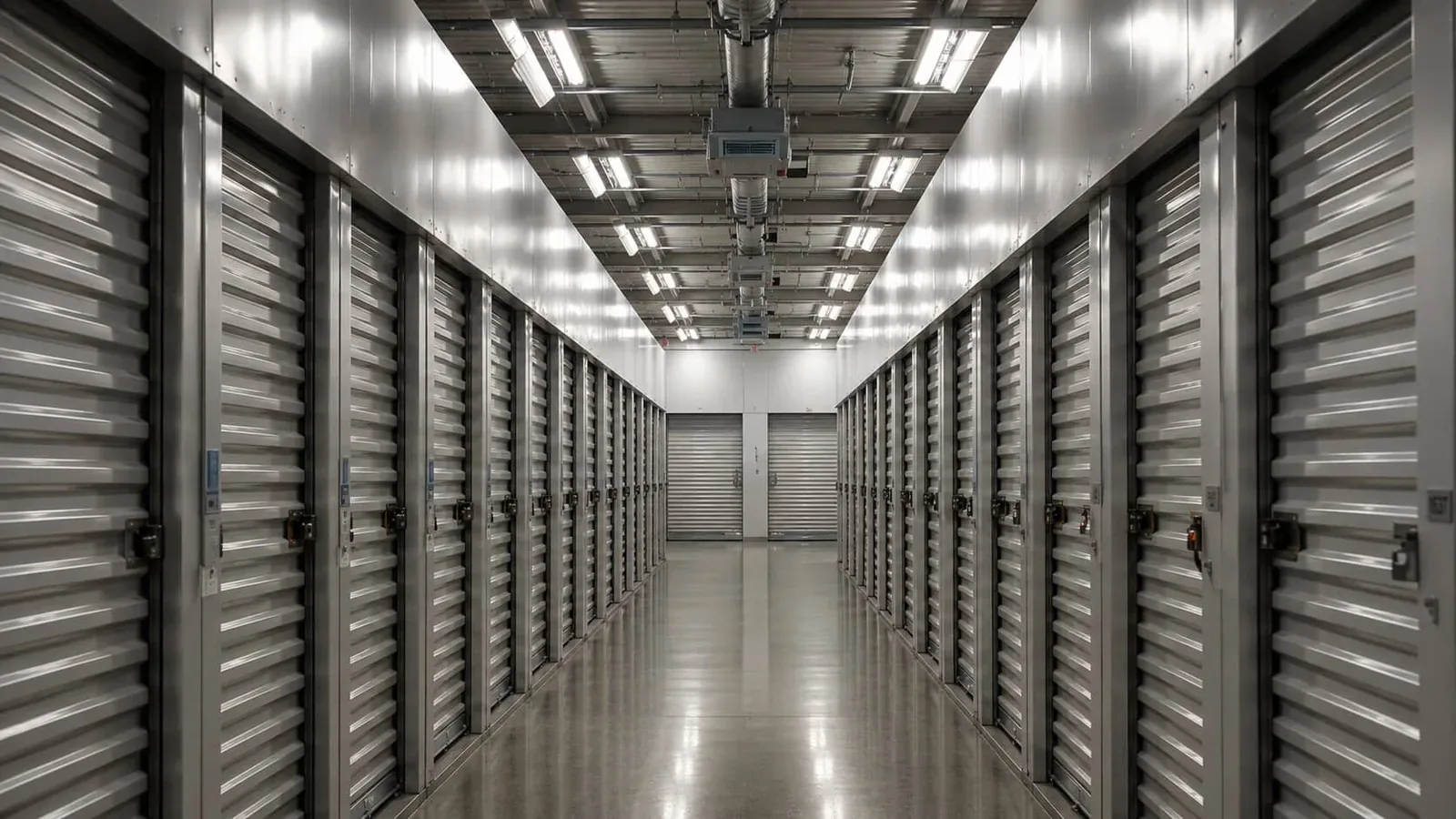
- Storage. If you store between moves, your CRM should connect to, or contain, the storage software that runs the warehouse side.
- Reviews. Post-job review requests triggered automatically the day after delivery.
Everything else is nice to have. Operators who chase every shiny integration end up administering a tool stack instead of running a moving company.
Red flags
A few patterns reliably predict pain six months in: per-user pricing that punishes you for adding seasonal labor, mandatory annual contracts paid up front, an "implementation fee" larger than three months of subscription, and a roadmap dominated by features for "national van lines" when you run two trucks. Premium moving software for small and midsize operators is a focused category, and the right tool will feel built for your size, not aspirational for someone else's.
What good looks like
The signal that you've picked the right CRM is boring: the team stops opening other tabs. Estimates, dispatch, crew app, billing, and customer comms all happen in one place, and the questions in the morning huddle are about the work, not about which system to look in. That is the only test that matters, and you'll know within thirty days whether the software passes it. If you want to see what an operationally focused tool feels like, the moving software page walks through the same loop end to end.